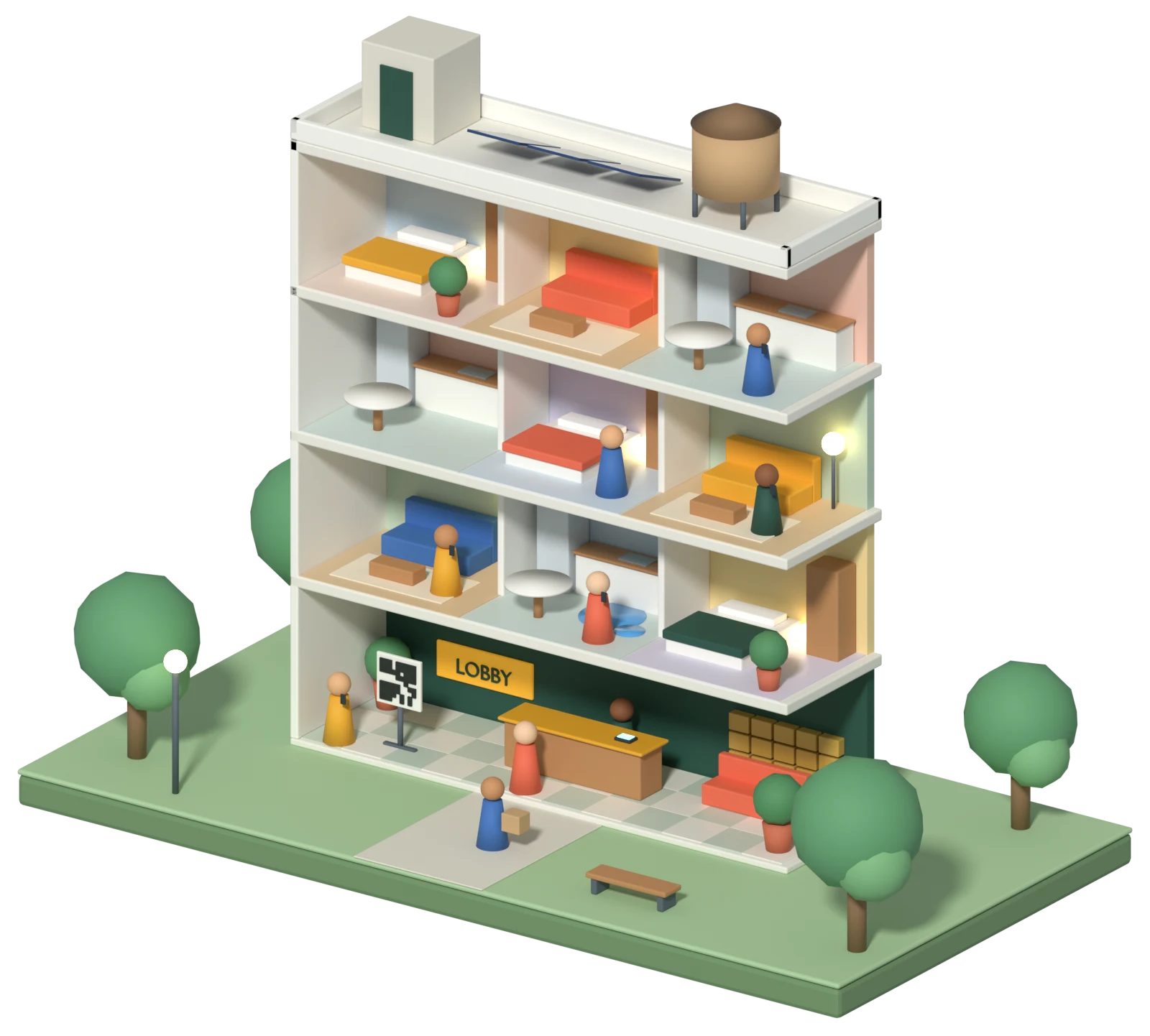
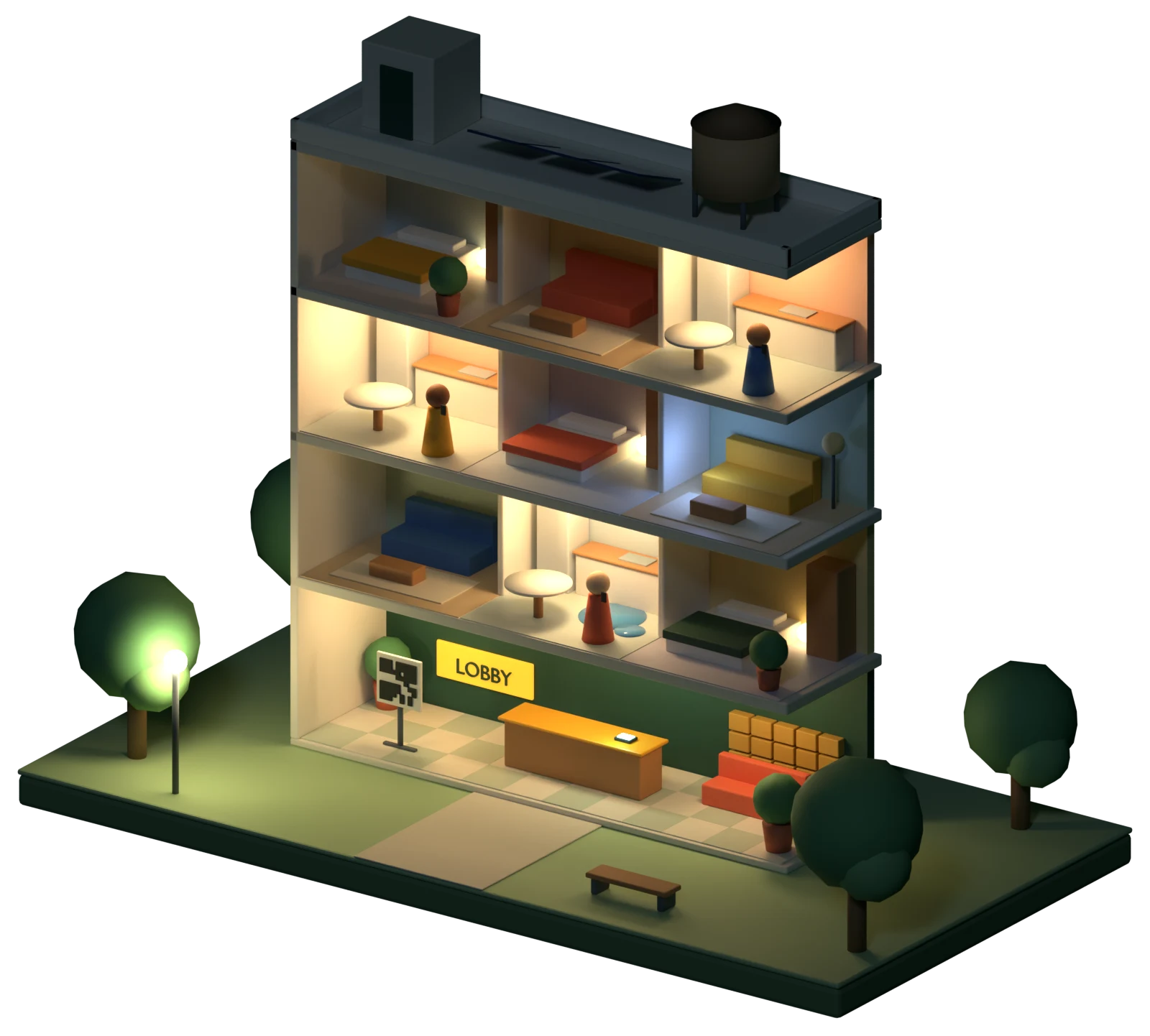
While everyone slept
Four conversations between your last staff member leaving and your first one arriving. Two needed a person right away. Two could wait, so they did.
-
“My kitchen faucet won’t stop dripping.”
Asks whether maintenance may enter if nobody is home, and logs the request for the morning crew.
Nobody woken -
“Water is pouring out from under my sink.”
Gives the emergency maintenance number, takes a callback number, and phones on-call maintenance until someone presses 1 to take it.
On-call maintenance woken -
“I smell gas in my kitchen.”
Tells the resident to leave and call 911 first, then phones the on-call chain. It never closes an emergency by itself.
On-call manager woken -
“Do you have a two-bedroom open in March?”
Answers from the facts you gave it about this building and logs a tour request for leasing.
Nobody woken
- 2Emergencies, both taken by on-call. Water leak in 2B at 2:14. Gas smell in 4C at 3:40, 911 advised.
- 1Repair request waiting. Dripping kitchen faucet in 3A, routine, may enter if nobody is home.
- 1Tour request. Two-bedroom for March, asked through website chat.
- 0Unanswered. Every chat got a reply.
What your team gets back
The biggest return is time and calm for the people who run your buildings. The pilot measures each of these against your own baseline.
Hours back every week
Routine questions, maintenance intake and tour requests are handled, so staff stop answering the same five questions all day.
Faster response times
Every chat gets a first reply in seconds. Emergencies keep paging on-call staff until a person takes them.
Faster training for new staff
Building knowledge lives in one place. New hires read real conversations and learn each building's rules in days, not months.
Staff who stay
Fewer interruptions at the desk and quieter on-call nights, because people are woken only for real emergencies.
Analytics you can act on
Top questions, the ones it couldn’t answer, the busiest hours, the repairs reported most and emergency response times, for each building.
Nothing falls through the cracks
Every request is numbered and tracked until it is marked done. The morning shift sees exactly what happened overnight.
Lower risk
A time-stamped record of every emergency report and who took it, and the same answers for every prospect.
Happier residents
Answers at 2 AM in English or Spanish, without waiting for the office to open.
Chats per week
What it could be worth for your portfolio
Put in your own numbers. Every default below is an example to change, not a result from a customer.
Per month
Hard-dollar difference
$0Staff time back
0 hoursWorth about $0 in staff time. That is capacity your team can use, and cash only if it avoids overtime or a hire.
Two ways in, people when it matters
Website chat and the lobby QR code share the same facts about the building, so the answer is the same on each. Phone and text answering for residents are not available yet.
Website chat
One line of code on your site. Residents ask questions and report problems; prospects ask about availability and tours.
QR code
A scan in the lobby opens a chat that already knows which building it is in.
Emergency paging
On-call staff are phoned in order until one presses 1 to take it.
Staff portal
Every conversation and request for the building, with the option to step in and reply.
Ask the example building
This is how residents and prospects see ResidentAnswer in a website chat or after scanning a lobby QR code. Tap a question or type your own.
A demo with a made-up building and a few prepared answers. Nothing you type leaves this page. The real assistant answers from each building’s own facts.
Phone answering is not available to customers yet. You can still call our test line at (435) 666-2242, where an AI phone assistant answers for Skyview Residences, an example building in Aspen, Colorado.
The test line is an example too: no real building, staff or texts behind it, and calls may be recorded.
Hi! I’m the building’s AI assistant. I can help with maintenance, amenities, parking, packages and tours. How can I help?
Every door, one scan
Put a sign wherever residents and visitors already stop. Each code knows its building, so nobody has to explain where they are before they get help.
- Lobby
- Elevator
- Mail room
- Laundry
- Leasing office door
- Move-in packet
Your people stay in charge
It says what it is
Every chat shows up front that an AI assistant is answering.
Emergencies go to people
Life-safety reports are never handled by the AI alone. On-call staff are phoned until one of them takes it.
Staff can step in
Your team sees every conversation and can reply in it at any moment.
It stays out of decisions
It never screens, scores or approves applicants, and never denies an accommodation request.
Every community you manage, each with its own assistant
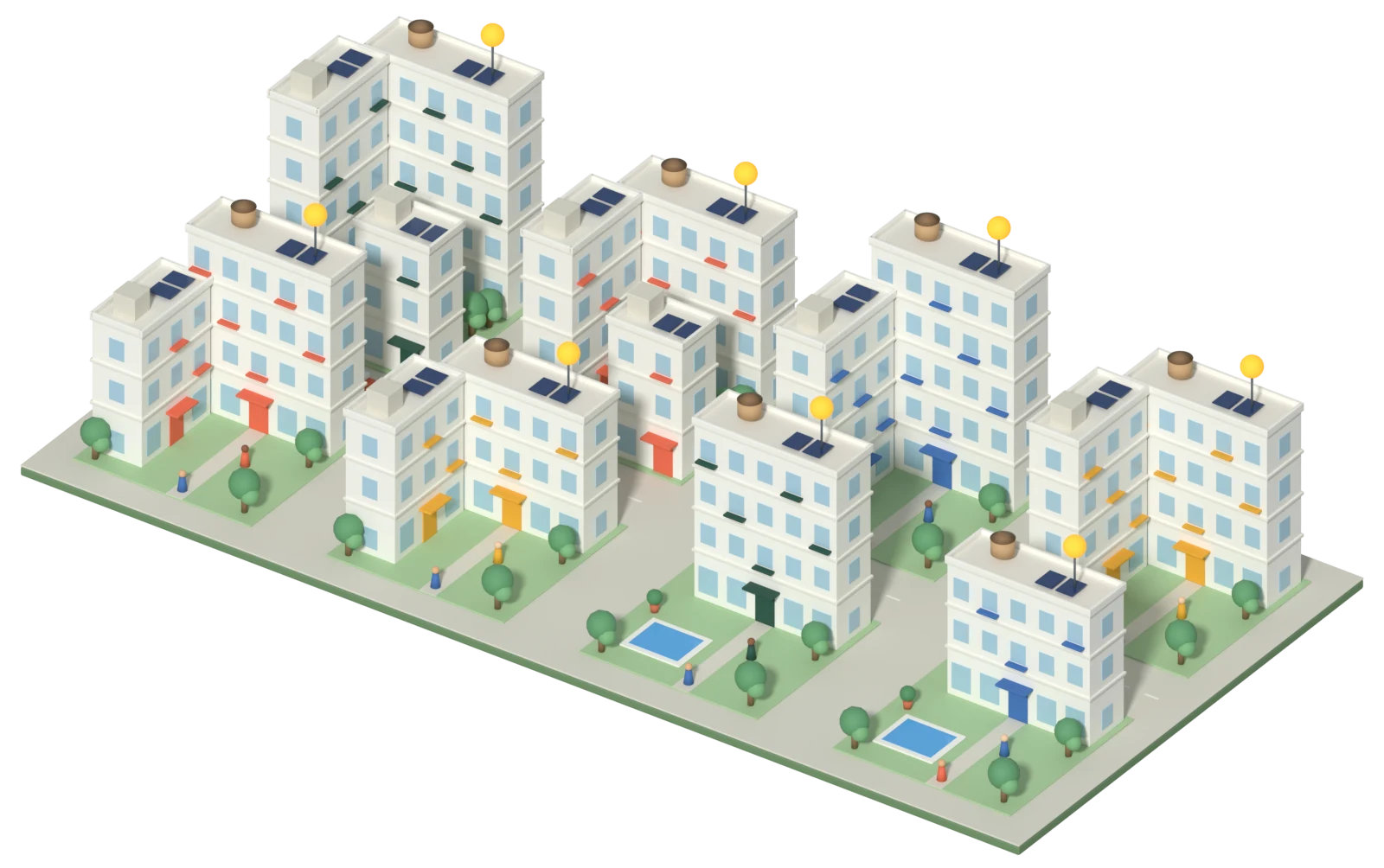
That building is one of many. ResidentAnswer answers for each community from its own facts, with its own staff portal and on-call chain. A combined inbox across communities is not available yet.
- 2:14 AMBldg ALeak in unit 2B. On-call maintenance paged.
- 2:06 AMBldg FTour request for a two-bedroom logged for leasing.
- 1:51 AMBldg DLockout reported. On-call maintenance paged.
Analytics for every community
Each community’s Analytics tab shows the last 7, 30 or 90 days: what residents asked, what it couldn’t answer, requests by kind, the repairs reported most and how fast emergencies were taken.
Top questions
One community, last 30 days
Built for the companies that manage the buildings
ResidentAnswer is sold to management companies, not to individual landlords or self-managed boards. Two kinds of portfolio use it the same way.
Apartment operators
Third-party and owner-operators running many communities, including affordable housing. Residents get answers and maintenance help at any hour; each community gets its own assistant, staff portal and on-call chain.
HOA and condo management companies
Homeowners get answers from their own association’s rules and facts, after-hours common-area emergencies reach the right on-call person, and managers stop taking the same call 30 times.
Compared with what you use now
Most portfolios use a human answering service, AI built into their property software, or both. Here is how each one describes itself.
| ResidentAnswer | Human answering service | AI in your property software, such as Yardi Chat IQ | |
|---|---|---|---|
| Channels | Website chat and lobby QR codes. Phone and text answering are not available yet | Calls, with email at some services and text follow-ups as a paid extra at others | Chat, email, text and voice |
| Built for | Residents and prospects: maintenance, emergencies, building questions and tours | Taking calls and messages, including maintenance requests | Leasing: Yardi calls Chat IQ an AI leasing assistant for prospects |
| Your property software | Works alongside any. Requests go to your staff portal and email | A separate service from your software | Built into the Yardi platform |
| Emergencies | 911 guidance, then your on-call chain until a person acknowledges | Agents decide whether a call is an emergency | Not mentioned on Yardi’s Chat IQ page |
| Spanish | Included | An extra at some services, such as $1.00 a call for a Spanish line | Not mentioned on Yardi’s Chat IQ page |
| Pricing | One published price per unit, no annual minimum | Per unit, per call or per minute: $0.70 to $1.10 per unit with a $140 monthly minimum, $300 for 30 calls, or plans sold by the minute | Not listed on Yardi’s Chat IQ page |
Sources, read November 19, 2026: Buildium Maintenance Contact Center (per-unit prices, emergency triage); Smith.ai pricing (per-call plans, Spanish line, text follow-up); Ruby help center (billing by minutes); Yardi Chat IQ (page updated August 12, 2026). Yardi and Chat IQ are trademarks of Yardi Systems; ResidentAnswer is not affiliated with Yardi. Features and prices change, so check your own contract. More detail: Yardi Chat IQ comparison.
Everything is included
One price per unit covers all of it, for every community.
- Maintenance intake
- Complete requests with unit, priority and entry permission, emailed to your maintenance inbox.
- Emergency routing
- 911 guidance for life safety, then on-call staff phoned in order until one takes it.
- Leasing questions
- Availability answers from your facts, and tour requests passed to your team.
- Building facts
- Parking, trash days, amenity hours and pet rules, kept separately for each building.
- English and Spanish
- Residents answered in the language they write in.
- Staff portal and analytics
- Every conversation and request, plus top questions and emergency response times.
Connecting to your maintenance or property management software is available on request. Additional setup and monthly fees may apply.
How a building goes live
Four steps per building. Your team mostly answers questions while we set it up.
- Step 1
Send us your building facts
We read your website and draft each building’s facts; your team checks them and adds the answers to common questions.
- Step 2
Add the chat and your signs
One line of code puts the chat on your website, and each building gets a printable QR poster for the lobby, elevator and mail room.
- Step 3
Set your on-call chain
Who gets phoned for an emergency, in what order, and who uses the staff portal.
- Step 4
Go live and measure
We record your baseline first, then the 60-day pilot measures every number against it.
Start with a 60-day pilot
One community, 60 days. We record your baseline first and agree on these targets in writing, so the comparison is against your own numbers. At day 60 you decide whether to expand, adjust or stop.
| Measure | How it is measured | Target |
|---|---|---|
| First reply | Average time to the first reply in chat | Under 1 minute |
| Handled without staff | Chats the assistant resolves by itself | 50 to 70% |
| Emergency acknowledgment | Minutes from the report to on-call staff pressing 1 to take it | Under 10 minutes |
| Repair speed | Hours from request to marked done | 20% faster |
These are the targets we set for a pilot. They are not results from past customers.
From $2 per unit a month, everything included.
One price per unit across the portfolio, so the budget line is known before the first chat comes in. HOA and condo associations are priced per home. See pricing.
In the walkthrough we map your communities, on-call chains and current answering costs, and leave you with a pilot plan.